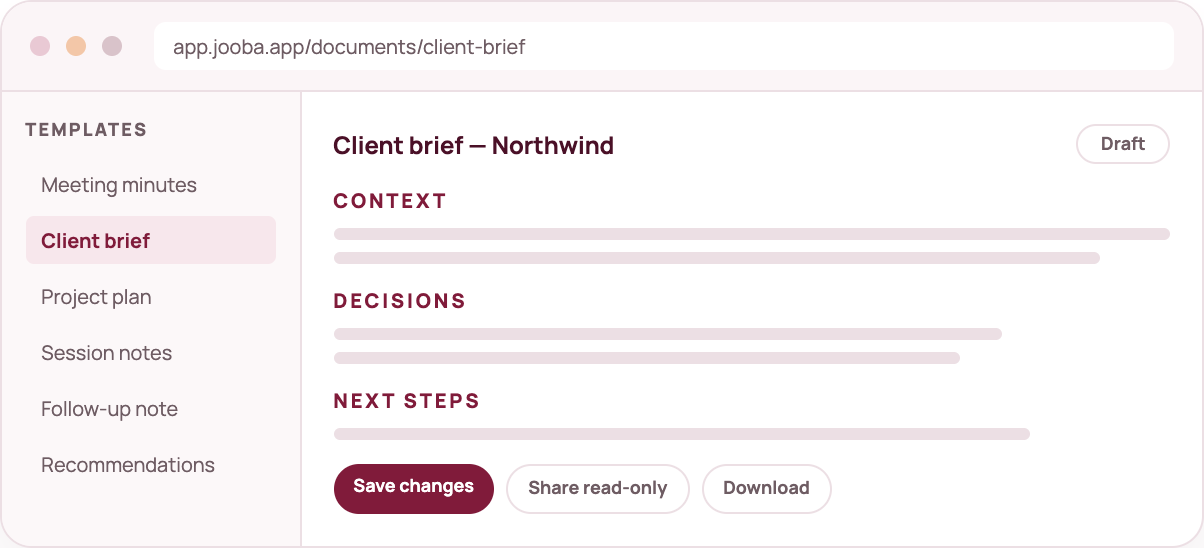
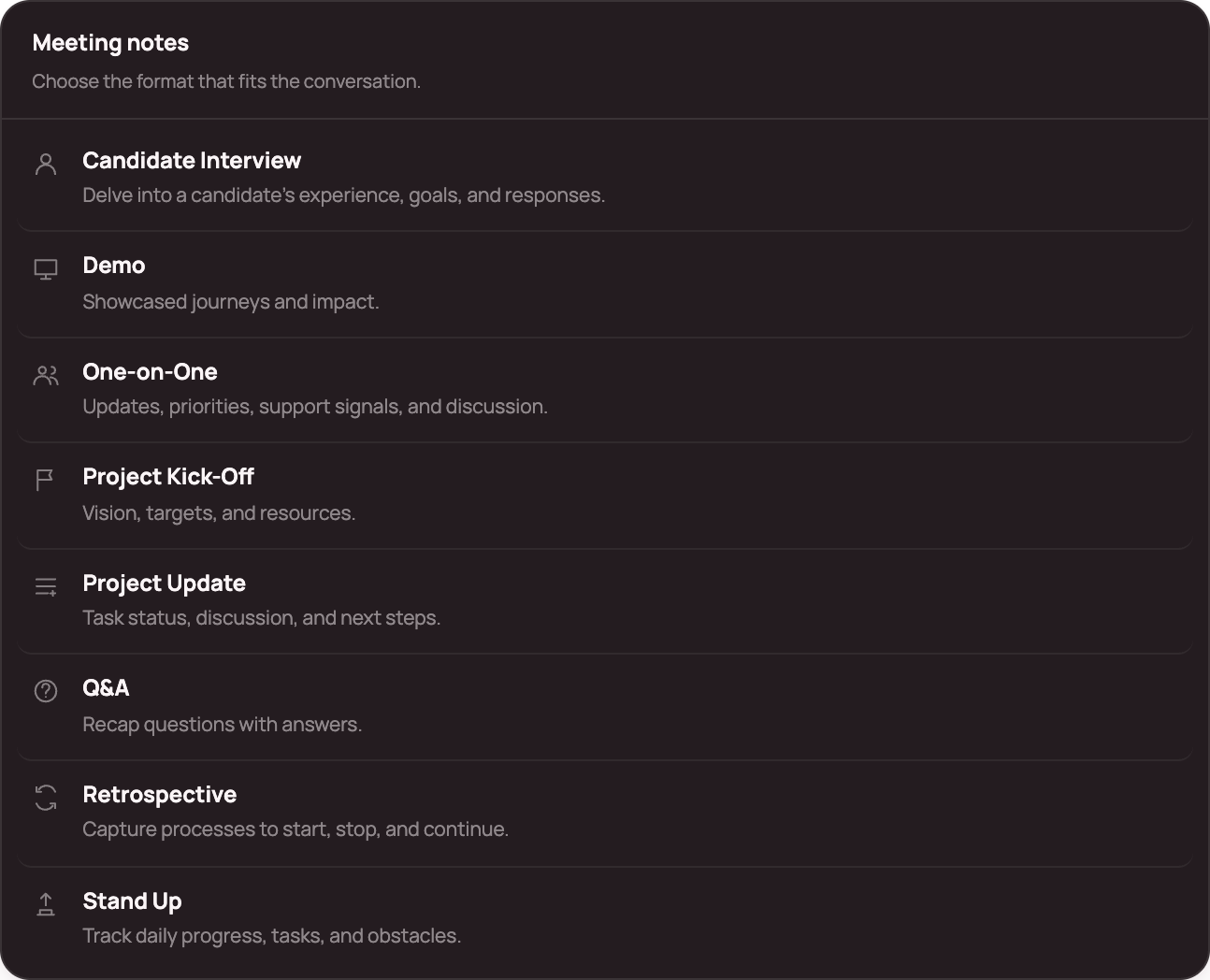
Candidate Interview, Demo, One-on-One, Project Kick-Off, Project Update, Q&A, Retrospective and Stand Up — plus six document templates.
✓ Editable by default
Every document opens as a draft with a cursor in it — not a sealed output.
✓ Decisions and actions first
Outputs are organised around what was agreed and what happens next.
✓ Share deliberately
Publish a read-only link that shows the document, never the source recording.
Meeting-note formats
The right structure for every conversation.
A stand-up is not an interview, and a retrospective is not a project update. Choose the format and Jooba organises the transcript around what that conversation is for.
Candidate Interview — experience, goals and responses.
Demo — showcased journeys and impact.
One-on-One — updates, priorities and support signals.
Project Kick-Off — vision, targets and resources.
Project Update — task status, discussion and next steps.
Q&A — questions recapped with answers.
Retrospective — what to start, stop and continue.
Stand Up — daily progress, tasks and obstacles.
The connected path
Where this sits in the workflow
01
Choose the purpose
Minutes for the record, a brief for the client, a plan for the team.
02
Generate a draft
Jooba structures the transcript around the template you picked.
03
Edit with judgement
Change the wording, add owners, remove what does not fit.
04
Save and share
Keep it in your library, download it or share a read-only link.
Built to be trusted
Every generated document is a draft you approve. Jooba gives you the first 80%; your judgement finishes the last 20%.
Yes. Start a document from the composer and edit it from scratch.
Can I share with someone without an account?
Yes. A read-only share link shows the document only — not the transcript or audio.
Can I export?
Documents download as markdown from the document screen.
Which meeting-note formats are included?
Candidate Interview, Demo, One-on-One, Project Kick-Off, Project Update, Q&A, Retrospective and Stand Up. Each one structures the transcript around that conversation type.