For sales & client-facing teams

Every call should leave a record someone can use.

Jooba turns the customer conversation into requirements, objections, commitments and a follow-up note — while the call is still fresh.

Two people in an informal client conversation over drinks.

Where it hurts

What an ordinary week looks like

  • Call notes taken at speed and understood by nobody else.
  • Customer requirements scattered between CRM fields and notebooks.
  • Follow-up emails written from a half-remembered conversation.

With Jooba

A consistent call record and reusable follow-up material, without a second hour of admin after every conversation.

mock meeting

What you can rely on

Four capabilities that matter for sales & client-facing teams

Everything below is included in your workspace from day one.

✓ Requirements captured

Pull what the customer asked for into a brief you can pass on.

✓ Follow-up drafted

Generate a recap note, then edit the tone before sending.

✓ Objections on record

The transcript keeps the detail, including the part the summary skips.

✓ Prep from history

Search past conversations before the renewal or the next call.

IncludedUnified calendar, availability, booking pages and meeting confirmations are included. See the calendar

Trust, stated plainly

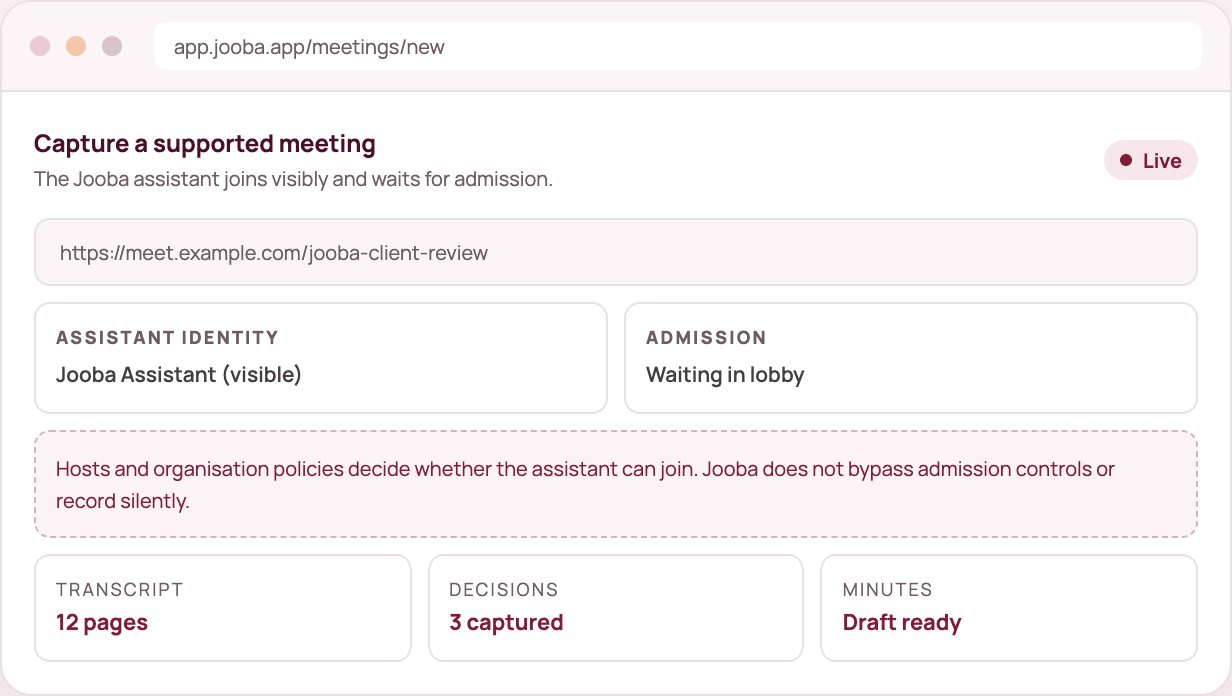
  • Meeting capture uses a visible assistant. Hosts decide whether it joins.
  • A visible assistant and explicit host admission on every meeting capture.
  • Capture is visible, share links are opt-in, and you can delete any record.
  • Generated documents are drafts you review before sharing.
  • Analytics never receives transcript, audio or document content.

Sales & client-facing teams questions

Does Jooba join calls automatically?

No. You add the Jooba assistant to a meeting you own or are invited to, and the host admits it. It is visible the whole time.

Can I use an existing call recording?

Yes. Upload audio in Voice Inbox and produce a transcript and document from it.

Can I share call records with the team?

Yes. Publish a read-only link to the document. The link shows the document only, never the transcript or the recording.

One capture is enough to judge it.

Sign up, choose your first intent and see what a conversation becomes when it has somewhere useful to go.